

















Qubitcoin Pool
How To Start Mining Qubitcoin
Choose Mining Server QTC
 Europe
 USA
USA China 中国
 RU|EU2
- port supports SSL connection only
 HiveOS
SRBMiner
Windows
SRBMiner-MULTI.exe --algorithm qhash --pool stratum+tcp://eu.qtc.k1pool.com:8610 -u Kr_WALLET --worker RIG_NAMELinux
WildRig Multi
Windows
wildrig.exe --algo qhash --url stratum+tcp://eu.qtc.k1pool.com:8610 --user Kr_WALLET.RIG_NAME --pass xLinux
HiveOS - SRBMiner
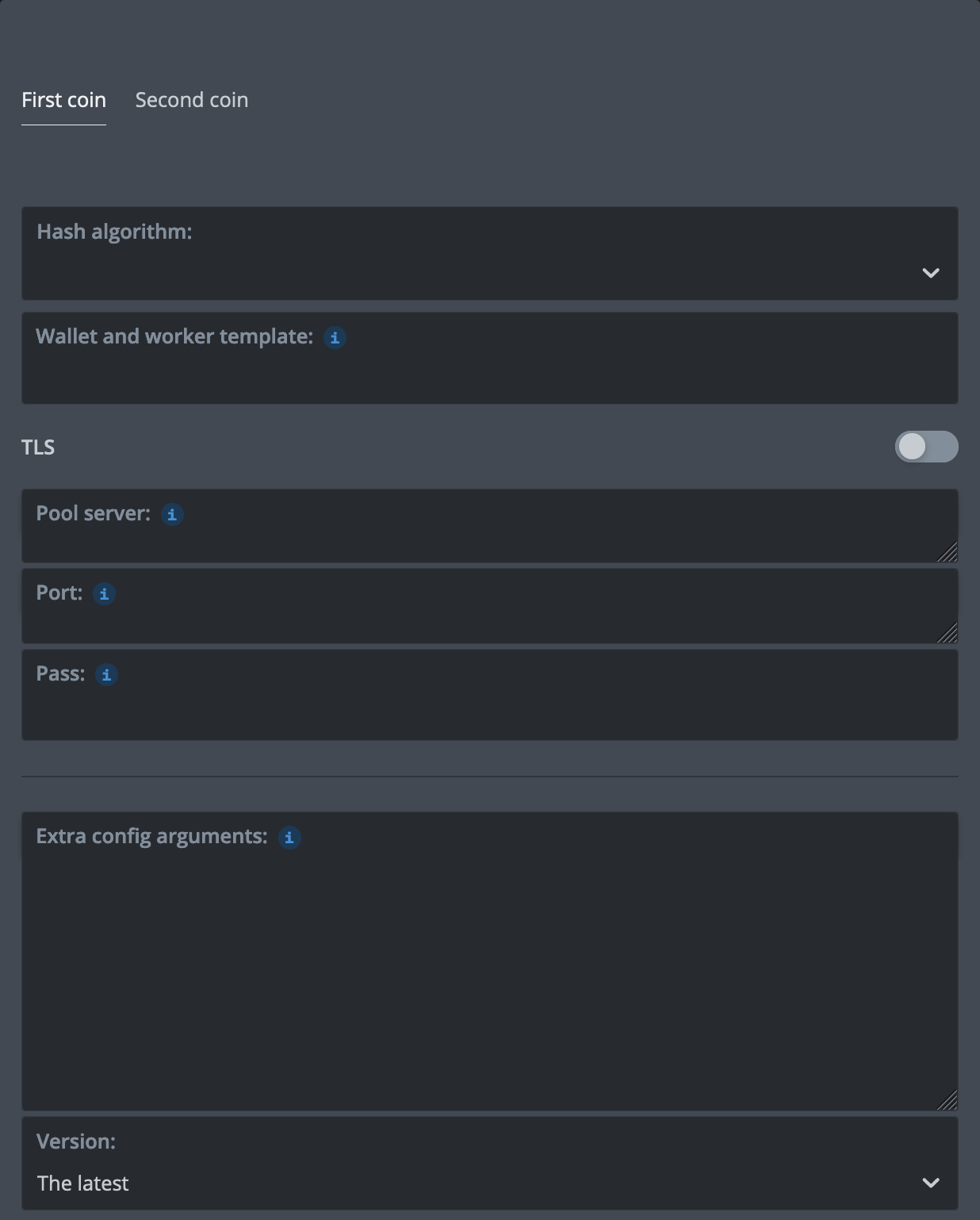
{
    "name": "QTC SRBMiner K1",
    "isFavorite": false,
    "items": [
        {
            "coin": "QTC",
            "pool_ssl": false,
            "dpool_ssl": false,
            "miner": "srbminer",
            "miner_alt": "srbminer",
            "miner_config": {
                "url": "eu.qtc.k1pool.com:8610",
                "algo": "qhash",
                "miner": "srbminer",
                "template": "%WAL%.%WORKER_NAME%"
            },
            "pool_geo": []
        }
    ]
}
HiveOS - WildRig Multi
{
    "name": "QTC WildRig K1",
    "isFavorite": false,
    "items": [
        {
            "coin": "QTC",
            "pool_ssl": false,
            "dpool_ssl": false,
            "miner": "wildrig-multi",
            "miner_alt": "wildrig-multi",
            "miner_config": {
                "url": "eu.qtc.k1pool.com:8610",
                "algo": "qhash",
                "miner": "wildrig-multi",
                "template": "%WAL%.%WORKER_NAME%"
            },
            "pool_geo": []
        }
    ]
}HiveOS - OneZeroMiner
{
    "name": "QTC OneZeroMiner K1",
    "isFavorite": false,
    "items": [
        {
            "coin": "QTC",
            "pool_ssl": false,
            "dpool_ssl": false,
            "miner": "onezerominer",
            "miner_alt": "onezerominer",
            "miner_config": {
                "url": "eu.qtc.k1pool.com:8610",
                "algo": "qhash",
                "miner": "onezerominer",
                "template": "%WAL%.%WORKER_NAME%"
            },
            "pool_geo": []
        }
    ]
}%WAL% - your K1Pool wallet Kr_WALLET, add it in HiveOS%URL_HOST%, %URL_PORT%, %URL% - select Pool 'k1pool' and Server when adding New Flight Sheet
Step 1 - Register
Step 2 - Download mining software
 Windows OS: Download the ready-to-use version of miners (archive password: k1pool).
If you downloaded miners.zip from the link, extract it and replace Kr_WALLET in the .bat file with the account address you received in Step 1.
If you want, you can change RIG_NAME in the .bat file. This rig name will then appear on the miner statistics page. However, this step is optional.
The length of RIG_NAME should not exceed 32 characters and can only include Latin letters, numbers from 0-9, as well as "_" and "-".
Step 3 - Check the mining status
Structured mining data is available on the Dashboard page, where activity across all coins is displayed.
Step 4 - Getting Started with Cryptocurrency Payouts (QTC)
To start receiving payouts from the pool, create a QTC wallet on one of the cryptocurrency exchanges:
After creating a QTC wallet, add it on the Wallets page on our website. Don’t forget to set the minimum payout threshold. The pool fee field can be left empty. By default, the pool fee is 1%. Please confirm your wallet address via email. On the statistics page My stats , you can view your confirmed balance and the progress bar towards the payout threshold. Once the progress bar reaches 100%, the payout will be made according to the payout interval. QTC payouts are processed once every 6 hours.
Additional options:
You can also create a QTC wallet on the official Qubitcoin website and set it up directly on your operating system.
Step 5 - Still have questions? We’ll help you find the answer!
Step 6 - Video Tutorials on Mining QTC
Telegram support chat
Please feel free to contact our support team if you have any questions